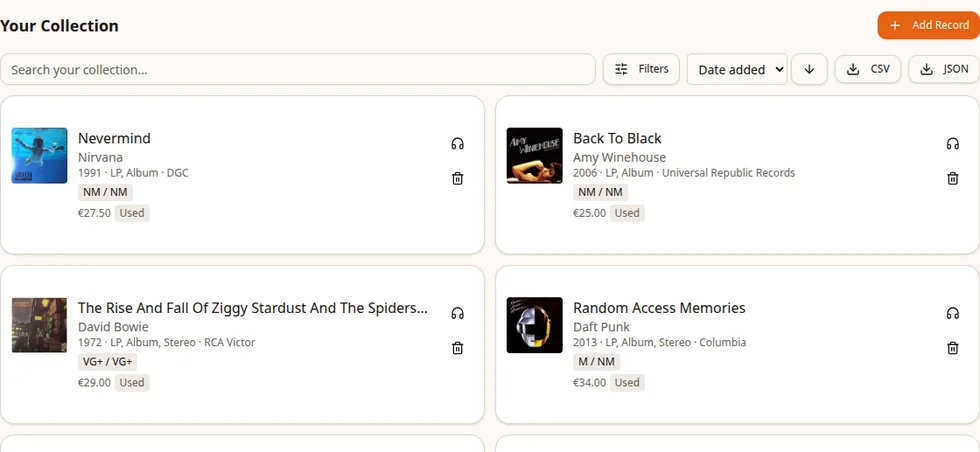
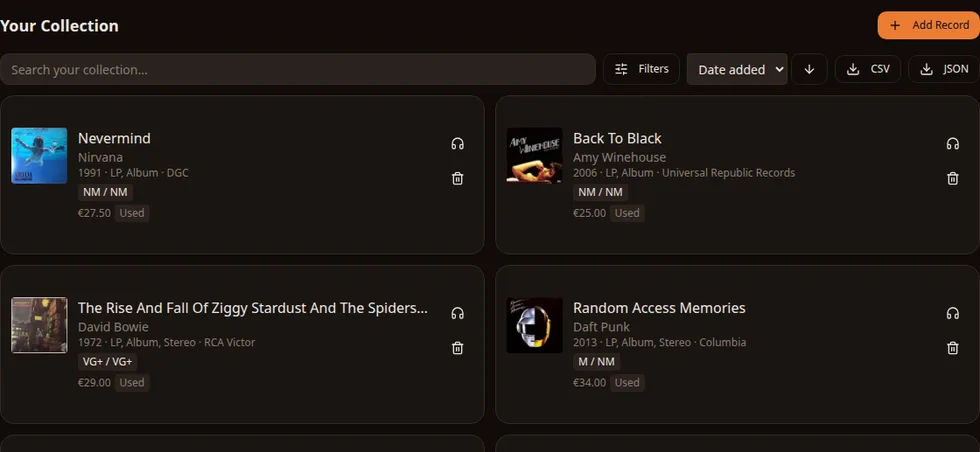
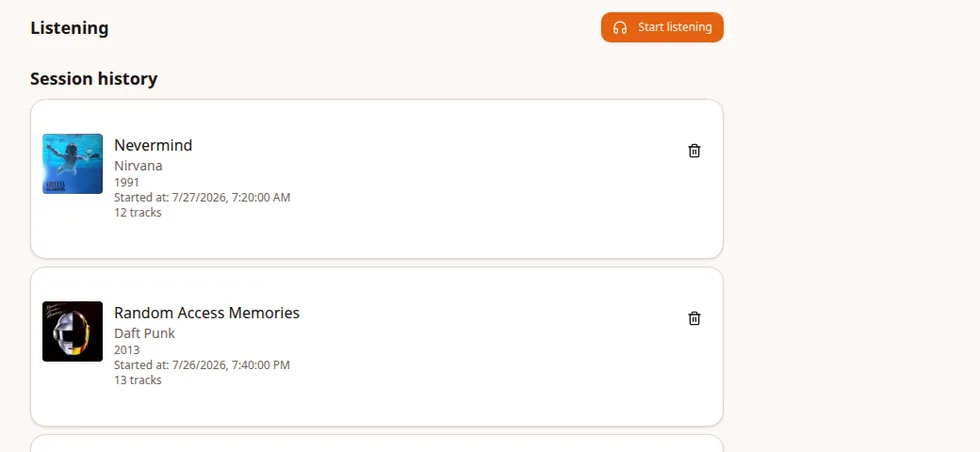
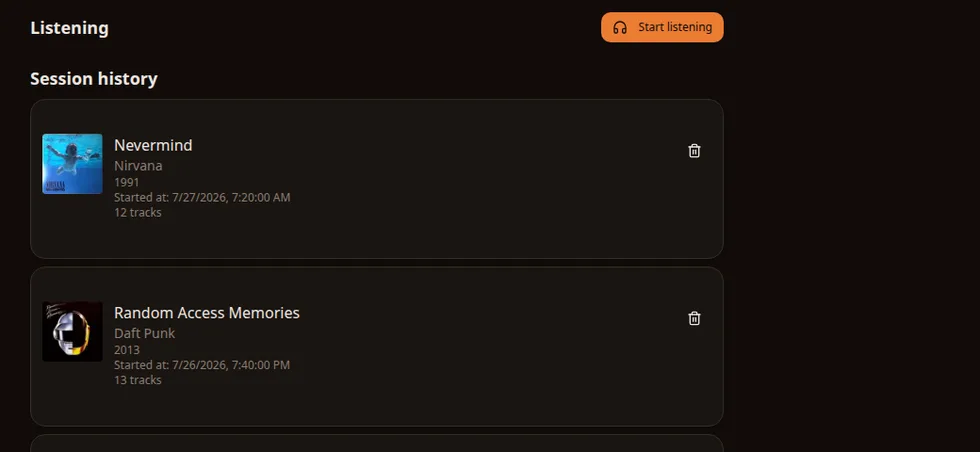
Discogs is great for keeping a catalog of what you own, and GrooveLedger.app can import the folders and releases you choose. GrooveLedger then picks up at the turntable: it tracks what you play so it can build up detailed statistics, keeps track of the gear you use and the wear on your styluses, and keeps an eye on your costs and budget. It can also scrobble your records to Last.fm and Libre.fm.
Add the exact pressing you own
Import selected folders from your Discogs collection, review the releases before confirming them, or scan and search for an exact pressing one record at a time.
Use your phone camera or type the barcode by hand
Add Goldmine grades for the media and sleeve, record the acquisition date and price, mark records as new, used or gifted, and save additional notes.
A duplicate warning lets you know when the same release is already in your collection.
Review Discogs folders and releases in a wizard before importing them; nothing is added until you confirm
Resync the selected releases manually, or opt into periodic checks that can add new entries from those folders
Log every spin
Choose an album, side or track and the gear you're using. GrooveLedger.app saves a play for every track, including its duration.
Whole-album and side sessions still become track-level history
Record the turntable, cartridge and stylus used for the session
Correct the gear on a saved session when you need to update its history
Stored durations feed the listening stats and, when selected, the stylus counter
Know when to change the stylus
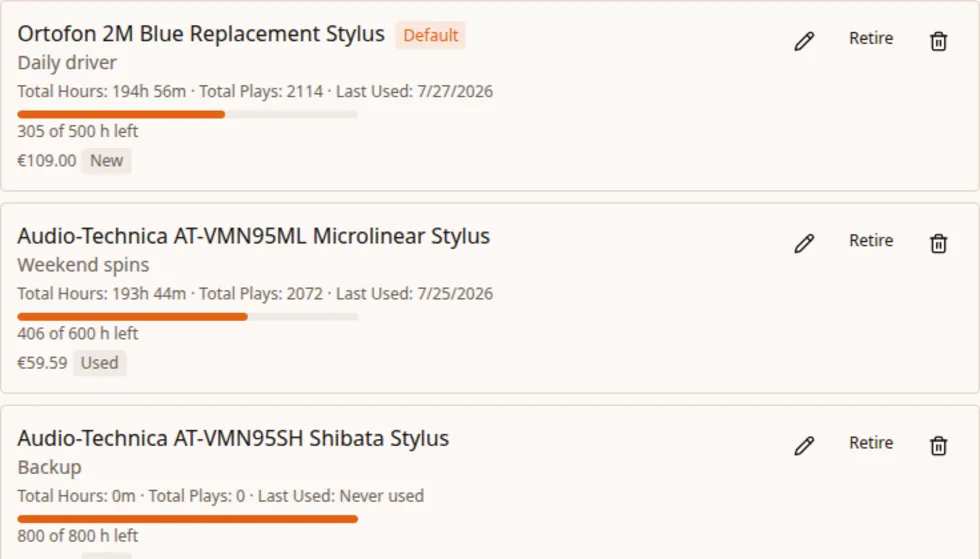
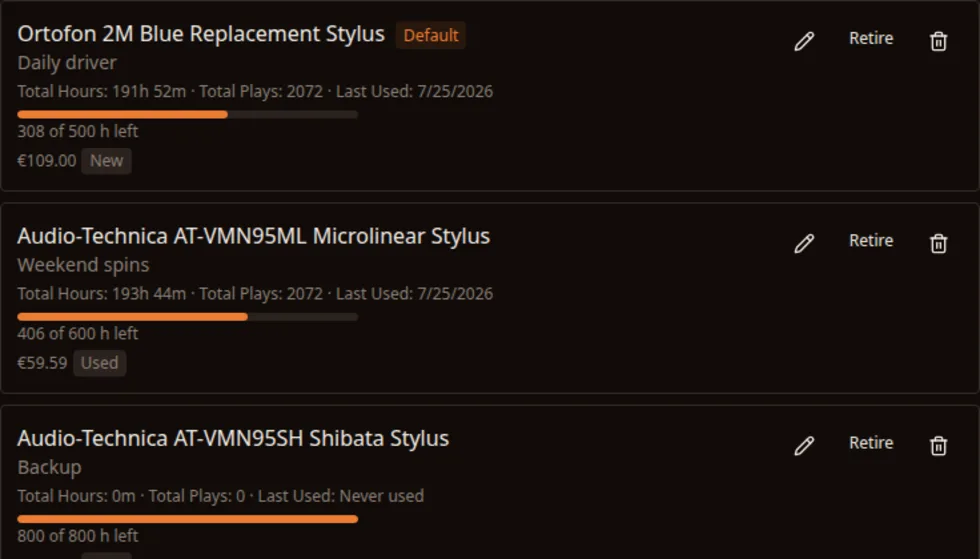
GrooveLedger.app adds the durations played with each stylus. Set its rated lifespan and see what is left.
Wear comes from stored play durations, not a count of records
Each play can keep the turntable, cartridge and stylus that were used
Set a rated lifespan and follow the remaining hours
Track several styluses separately, set one as the default and retire one without deleting its history
See what you actually listen to
Compare the records you own with what really makes it to the turntable.
Find records that have never been played or that you haven't played for a long time
Compare collection share with listening share by decade and genre
See current and longest daily listening streaks
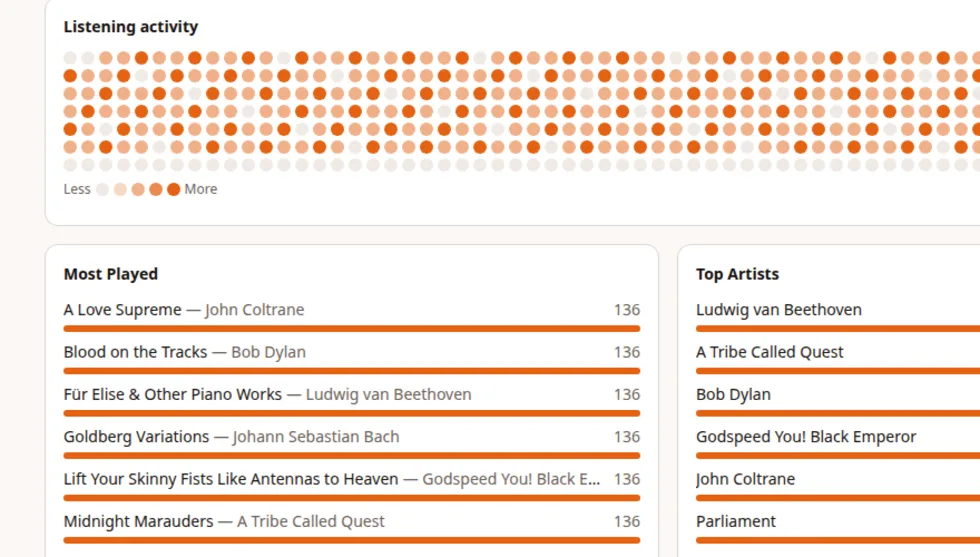
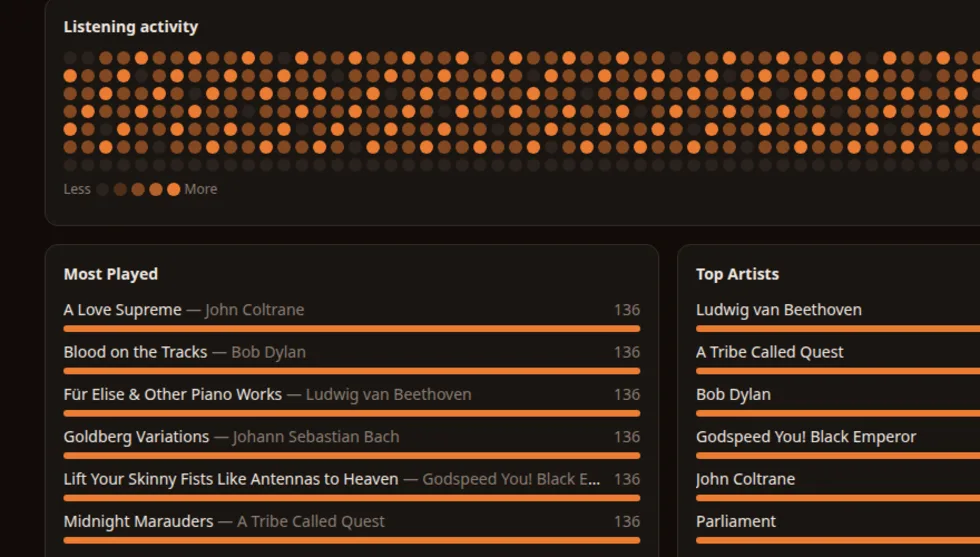
Use the yearly activity map, then open a record to check its side and track heatmap
Scrobble vinyl to Last.fm and Libre.fm
Link Last.fm and Libre.fm independently to publish Now Playing while you listen and scrobble eligible tracks in the background with accurate timestamps.
Link Last.fm and Libre.fm independently and choose whether scrobbling is enabled
A track becomes eligible for scrobbling after at least half of its duration has played
Rate limits, temporary outages and offline sessions leave scrobbles queued for automatic retry, in session order
Publish Now Playing to each linked service while you listen; the final scrobble follows in the background
Know the cost of your shelf
Save what you paid for each record and piece of gear, in the currency used at purchase.
Keep the original amount and a snapshot in your chosen base currency with auto-conversion for the totals
Split totals between records and gear, with gear broken down by type
Use it on your phone
Install GrooveLedger.app as an app on Android or iOS. You can browse loaded records and log listening sessions while offline.
Previously loaded collection data remains readable without a connection
New sessions wait in an outbox and automatically sync on launch or when the connection returns. They scrobble too if you have enabled it.
Export your data
Use the export buttons on the collection, listening or account settings page whenever you want.
Download your collection and full play history as CSV or JSON
Play rows include the timestamp, duration and gear used
Free to use
Every feature listed above is available to every account. I may add optional premium features later, but everything that's free today will stay free for existing users.